
If you ship apps, AdMob is where your in-app ad money shows up — and there's a particular irony in how hard it is to check on a phone. The platform that puts ads inside mobile apps no longer gives you a mobile app of its own to watch the earnings.
This guide shows you how to track your AdMob revenue from your phone, what each metric means for in-app ads, and why the estimate you see during the month won't perfectly match what Google finalises.
Why tracking AdMob on mobile got harder
Google retired its standalone AdMob app, so checking earnings on the go now means the web dashboard in a mobile browser — slow report loads, cramped tables, and a login every time you want a quick look at today's number.
For app developers that's a real gap. Ad revenue moves daily with installs, sessions, and fill, and the moments you most want to glance at it — between meetings, on the train, right after a release — are exactly when opening a desktop-style dashboard is the most friction. And if you also run web ads or a channel, your AdMob number sits on its own island, with no single view of total income across everything you run.
How to track your AdMob revenue with Aperio
Aperio is mobile-first and connects straight to AdMob, so the quick glance you want actually feels quick.
- Download Aperio and open it on your phone.
- Connect AdMob with a secure Google sign-in. Access is read-only through Google's official API, and your password is never shared with the app.
- Choose your lead metric — revenue by default, or switch to RPM, CTR, or clicks when you want to look at performance.
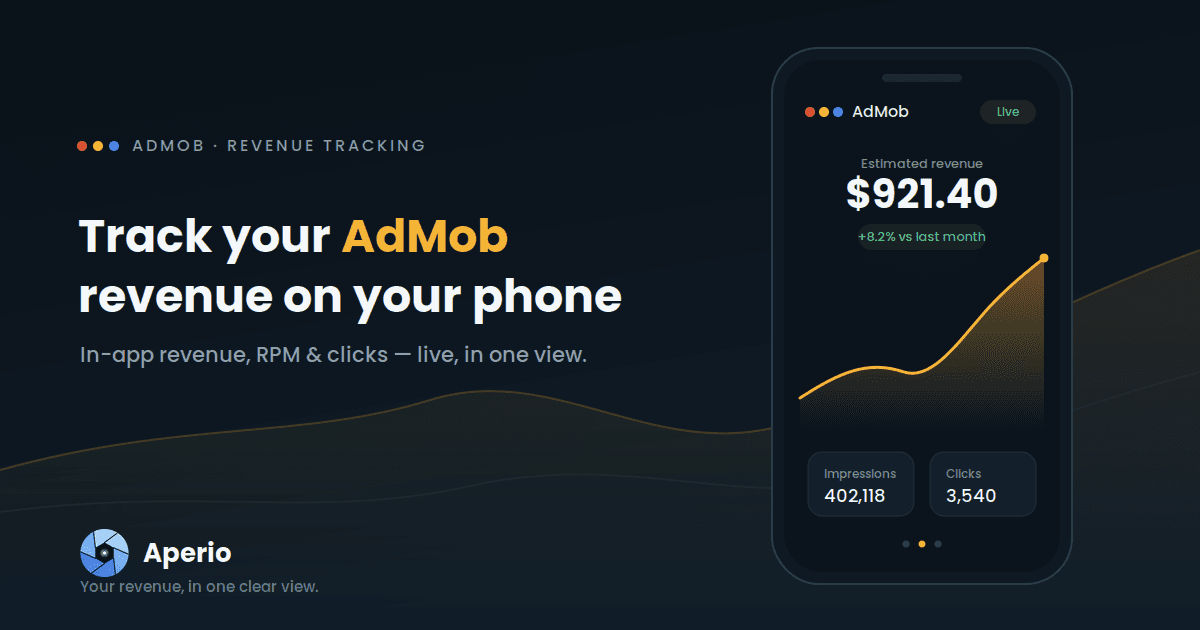
- Read your dashboard. Your AdMob card shows estimated revenue with a trend line and a comparison against the previous period, so you can tell a real shift from normal daily noise.
Running ads in more than one app, or AdMob under a different Google login than your AdSense? You can connect each source independently and filter the dashboard down to a single asset when you want to focus.
Your in-app ad money shouldn't need a browser. Download Aperio and connect AdMob in under a minute.
The AdMob numbers Aperio shows you
| Metric | What it tells you for AdMob | Unit |
|---|---|---|
| Estimated revenue | Your estimated AdMob earnings for the selected period | $ |
| Impressions | How many ads were shown inside your apps | # |
| Clicks | How many of those ads were clicked | # |
| RPM | Revenue per 1,000 impressions — the value of a thousand ad views | $ |
| CTR | Click-through rate — the share of impressions that became clicks | % |
| CPC | The average value of a single ad click | $ |
If you live in AdMob's own reports, you'll know the value of your impressions as eCPM. Aperio surfaces the same idea as impression RPM — earnings per 1,000 impressions — so you're reading the metric you already think in, just without logging into a browser. Watching RPM rather than only total revenue is how you catch the quiet problems: a mediation change, a weaker advertiser mix, or a new ad placement that earns less than the one it replaced will show up in the rate before it's obvious in the total.
Why your AdMob estimate moves
The figures you see during the month are estimates, and that's true in AdMob's own reporting too. They get revised as Google removes invalid traffic, settles currency and timezone differences, and finalises earnings at the end of the period. Aperio mirrors AdMob's mobile estimates so the two stay close — but your AdMob account is always the official record of what you'll be paid.
That's exactly why a live estimate is useful: a number you can read in two seconds, several times a day, beats a perfect figure you only see weeks later when it's too late to react.
Get more out of your AdMob data
- Compare periods to separate a genuine trend from a one-day blip.
- Filter by app to see which title is actually carrying your revenue.
- Set a monthly goal and track your progress toward it.
- Pick your currency so earnings read the way you think about them.
- Let it refresh in the background, so you open the app to current numbers.