
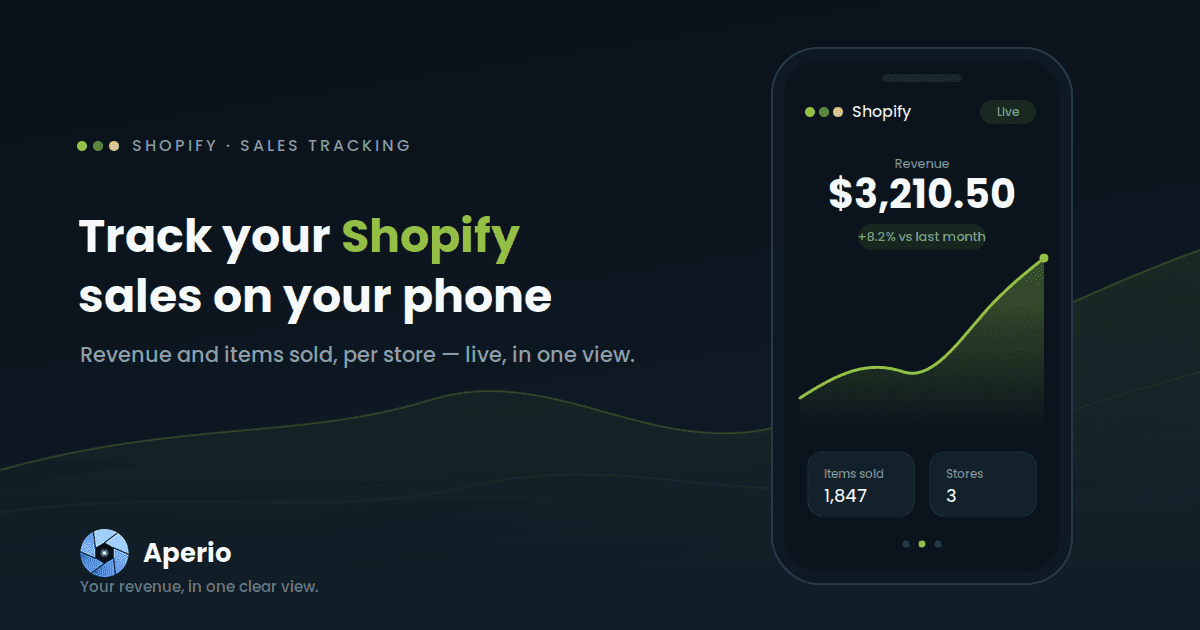
Shopify sales don't keep office hours — orders land overnight, during a launch, in the middle of a campaign. The two numbers you want at a glance are simple: what did I sell, and what did I make? This guide shows you how to keep those on your phone for every store you run, sitting right next to the rest of your income.
Why a sales glance across stores is harder than it should be
Shopify's own mobile app is genuinely good — for a single store. The friction shows up in two places.
The first is multiple stores. If you run more than one Shopify store, there's no single screen that adds them up; you switch between them and do the totalling in your head. The second is everything else you earn. Your store revenue lives in Shopify, your ad income lives in AdSense, AdMob, and YouTube, your subscriptions live in RevenueCat — and nothing puts them side by side. So the question that actually matters — how much did my whole business make today? — still has no single answer.
Aperio isn't here to replace the Shopify app. It's here for the at-a-glance view the Shopify app can't give you: all your stores together, and your store sales next to every other revenue stream.
How to track your Shopify sales with Aperio
- Download Aperio and open it on your phone.
- Connect your Shopify store with secure, read-only access to your sales data. Connect as many stores as you run.
- Set revenue as your lead metric (or switch to items sold whenever you want to see units rather than dollars).
- Read your dashboard. Your Shopify card shows revenue with a trend line and a comparison against the previous period — and if you've connected several stores, they roll up into one figure.
One glance, every store. Download Aperio and connect your first Shopify store in a minute.
What Aperio shows you for Shopify
Aperio focuses on the two numbers that tell you the most at a glance — by day, and by store:
| Metric | What it tells you |
|---|---|
| Revenue | What your store made over the period |
| Items sold | How many units moved over the period |
That's deliberately focused. Revenue answers "how's business?" and items sold answers "what's actually moving?" — and watching them together is more useful than either alone. Revenue up while items sold is flat means you're selling higher-value orders; items sold up while revenue lags can mean discounting is doing the heavy lifting. Both, day by day, per store.
Because the data is broken out per date and per store, you can see today versus yesterday, this month versus last, and either a single store on its own or all of them combined.
One thing worth setting expectations on: Aperio gives you the headline sales view — revenue and units — not the full order ledger. Your Shopify admin stays the system of record for order details, taxes, refunds, and customers. Aperio is the fast daily pulse; Shopify remains the books.
See your store sales next to everything else
This is where tracking Shopify in Aperio pays off. On its own, your store revenue is one slice of the picture. Beside your AdSense, AdMob, YouTube, RevenueCat, and Shopify numbers, it becomes part of a single total — the real answer to "what is this business making?" One dashboard, every revenue stream, on your phone. Here's how to see all your revenue in one place.