
Google AdSense is where a lot of online income starts — but checking it on the go is clumsier than it should be. You open a browser, log in, wait for a report to load, squint at a dense table, and you still can't see your AdSense numbers next to the rest of what you earn.
This guide shows you how to put your AdSense earnings in your pocket, what each metric actually means, and why the figure you see today won't perfectly match the payment that lands later.
Why checking AdSense on mobile is a pain
AdSense's reporting was built for a desktop browser. There's no dedicated AdSense mobile app from Google anymore, so on your phone you're stuck with the web dashboard: small tap targets, slow report loads, and a fresh login every time you want a ten-second glance at today's revenue.
It also lives in isolation. Your AdSense sits in one place, AdMob in another, YouTube somewhere else — so there's no single answer to the only question that really matters: how much did I make today, across everything? And because the dashboard just shows you numbers, nobody tells you when something changes; you find out your revenue dropped only when you happen to look.
How to track your AdSense earnings with Aperio
Aperio is built mobile-first and connects straight to AdSense, so the glance you actually want takes seconds.
- Download Aperio and open it on your phone.
- Connect AdSense with a secure Google sign-in. Aperio reads your data through Google's official API — it's read-only and never sees your password.
- Pick your headline KPI. Set revenue as your lead metric, or switch to RPM, CTR, or clicks whenever you want to dig into performance.
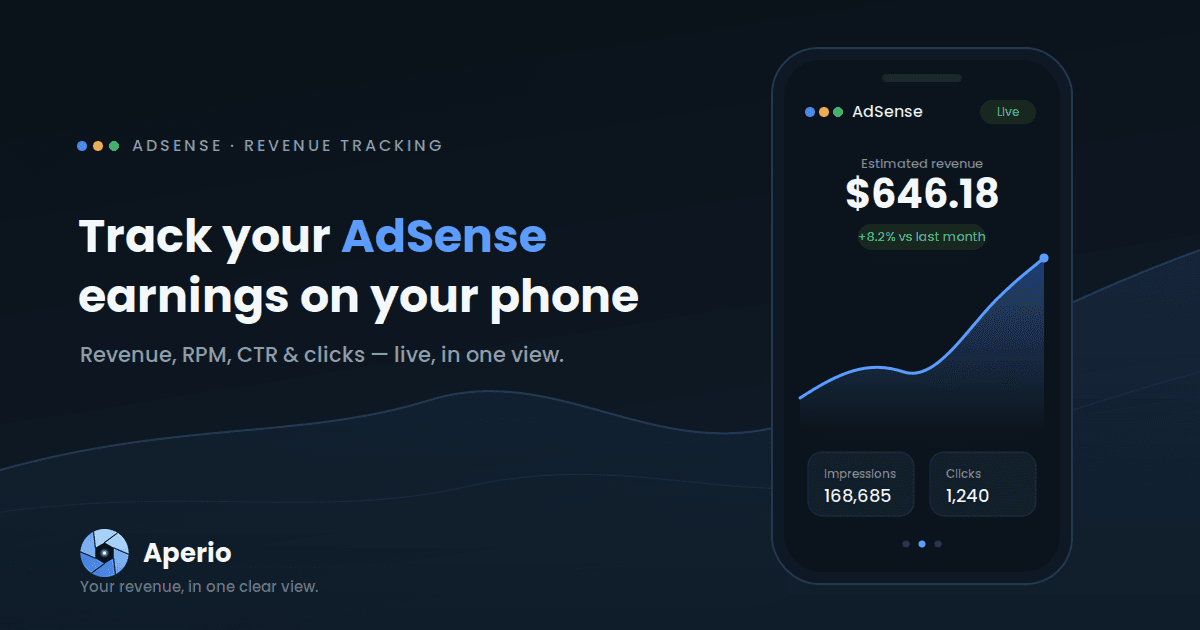
- Read your dashboard. Your AdSense card shows estimated revenue at a glance, with a trend chart and a side-by-side comparison against the previous period so every number has context.
If your AdSense lives under a different Google login than your other accounts, that's fine — you can connect each platform independently, even across separate logins.
Stop logging into a browser to check today's revenue. Download Aperio and connect AdSense in under a minute.
The AdSense numbers Aperio shows you
Open the AdSense view and you get the metrics that actually describe how your earnings are performing:
| Metric | What it tells you for AdSense |
|---|---|
| Estimated revenue | Your estimated AdSense earnings for the selected period |
| Impressions | How many ads were served across your AdSense sites |
| Clicks | How many of those ads were clicked |
| Views | How many times your pages and ads were viewed |
| RPM | Revenue per 1,000 impressions — how much each thousand ad views is worth |
| CTR | Click-through rate — the share of impressions that became clicks |
| CPC | The average value of a single ad click |
The three rate metrics are where the insight is. RPM is the cleanest read on how valuable your traffic is: two sites can earn the same total with very different RPMs, and a falling RPM is often the first quiet signal that something changed — a layout tweak, a seasonal dip in advertiser demand, a worse mix of ad placements. CTR tells you how compelling your ads are to the people seeing them, and CPC tells you what each of those clicks is actually worth. Revenue is the what; RPM, CTR and CPC are the why.
Why your AdSense estimate moves (and why it won't match your payment exactly)
The number you see during the month is an estimate, and that's true everywhere AdSense reports — including Aperio. Estimates get revised as Google finalises earnings: invalid-traffic deductions are removed, currency and timezone differences settle, and figures firm up at the end of the period. Aperio mirrors AdSense's own mobile estimates, so the two track closely, but you should always treat your AdSense account as the official record for what you'll be paid.
That's not a weakness of estimates — it's the point of them. A live estimate you can read in two seconds, several times a day, is far more useful for spotting trouble early than a perfect figure you only see weeks later.
Get more out of your AdSense data
Once AdSense is connected, the dashboard does more than display today's total:
- Compare periods — this month versus last, this week versus the same week prior — so you can tell a real trend from normal noise.
- Filter by asset — see all your earnings together, or focus on a single site.
- Set a monthly goal and watch your AdSense revenue fill toward it.
- Choose your currency so your earnings show up the way you think about them.
- Let it refresh in the background so you open the app to current numbers instead of waiting on a reload.