
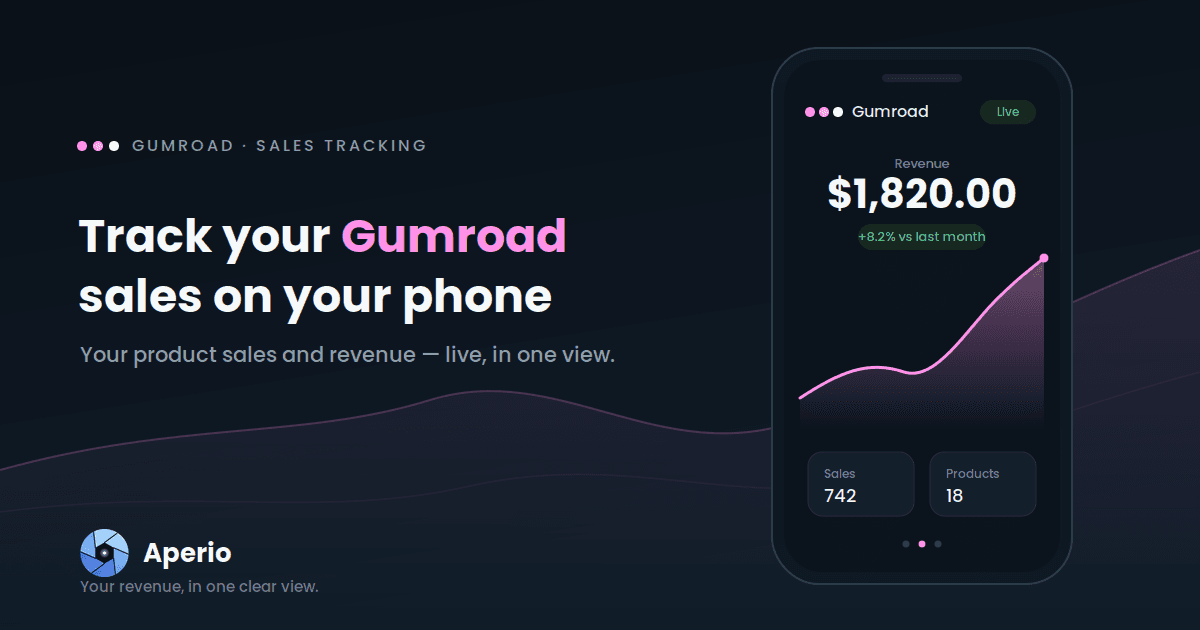
Gumroad is where your digital work turns into income — courses, ebooks, presets, templates, software. The number you want at a glance is simple: what sold, and what did I make? This guide shows you how to keep that on your phone, sitting right next to the rest of your creator income.
Why a sales glance needs company
If you sell on Gumroad, you're almost certainly earning in more than one place. Gumroad is the classic third piece of the creator stack — a channel on YouTube, members on Patreon, products on Gumroad — and each one lives in its own dashboard. Checking Gumroad means logging into the web dashboard; checking the rest means three more tabs. Nothing adds them up.
So the question that actually matters to a working creator — how much is my creative work making, all in?— has no single answer. You're left totalling it in your head, or not at all.
Aperio puts your Gumroad sales on the same screen as everything else you earn, so that total is finally just… there.
How to track your Gumroad sales with Aperio
- Download Aperio and open it on your phone.
- Connect Gumroad with secure, read-only access to your sales data.
- Set revenue as your lead metric (or switch to your sales count whenever you want units rather than dollars).
- Read your dashboard. Your Gumroad card shows revenue with a trend line and a comparison against the previous period — beside your YouTube, Patreon, and any other connected income.
Your whole creator income, one glance. Download Aperio and connect Gumroad in a minute.
What Aperio shows you for Gumroad
Aperio focuses on the two numbers that tell you the most at a glance, day by day:
| Metric | What it tells you |
|---|---|
| Revenue | What your products made over the period |
| Sales | How many sales you made over the period |
That's deliberately focused. Revenue answers "how's it going?" and sales answers "what's actually moving?" — and watching them together is more telling than either alone. Revenue climbing while sales hold steady means you're selling higher-priced products; sales up while revenue lags often means a discount or a cheaper product is carrying the period. Both, day by day.
One thing worth setting expectations on: Aperio gives you the headline sales view — revenue and sales count — not the full customer and order ledger. Your Gumroad dashboard stays the system of record for individual sales, customers, and payouts. Aperio is the fast daily pulse; Gumroad remains home base.
See your products next to everything else
This is where tracking Gumroad in Aperio earns its keep. On its own, your product income is one stream. Next to your YouTube, Patreon, AdSense, and any store sales, it becomes part of a single total — the real answer to "what is my creative work making?" One dashboard, every income source, on your phone.